iPhone Users Embrace Call Screening with iOS 26
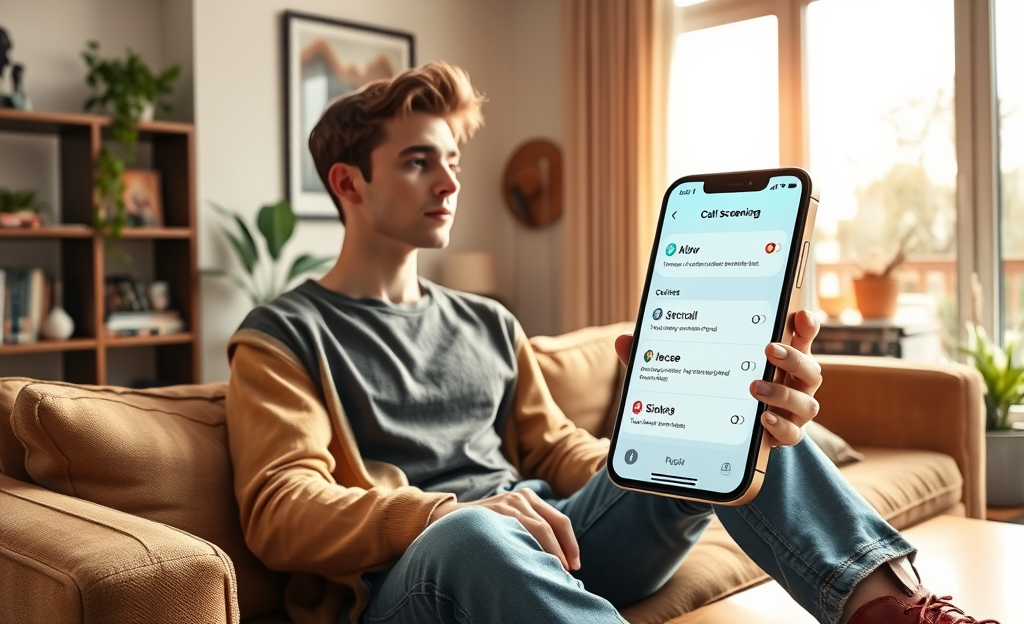
Call Screening is set to revolutionize the way iPhone users manage their incoming calls with the release of iOS 26. This groundbreaking feature aims to minimize unwanted interruptions by allowing users to filter unknown numbers effectively.
In this article, we will delve into the requirements for updating to iOS 26, explore the various configuration options for call screening settings, and highlight how the innovative transcription of caller information aids in decision-making.
Join us as we uncover how this new capability can enhance user convenience and improve the overall calling experience.
Call Screening on iOS 26: Core Purpose and Significance
The call screening feature in iOS 26 marks a transformative change for iPhone 11 and newer users who value privacy and control over their communication.
With this update, users can now manage unknown calls by choosing whether to silence them, let them ring, or request the caller to state their identity and purpose.
This information is transcribed into speech bubbles, enabling users to decide whether to answer or ignore the call.
This capability significantly reduces unwanted interruptions, thereby enhancing the user experience.
According to Apple’s support page, it seamlessly bridges the gap between the annoyance of continuous spam calls and the need to receive essential calls, making it an invaluable addition to iPhone functionality.
The introduction of this feature in iOS 26 not only offers a significant upgrade in user privacy but also promotes a clutter-free communication environment by smartly filtering calls, ensuring you stay connected without the hassle of persistent interruptions.
Preparing Your Device for Call Screening
To take advantage of the new call screening feature, your device must be running the latest iOS 26 update.
This update is compatible with iPhone 11 and newer models, ensuring you have access to the latest features.
Follow the simple steps provided to back up your device and install the update for optimal call management.
Compatible iPhone Models
The latest iOS 26 update, with its call screening feature, demands the A13 Bionic chip or newer, thus supporting only specific iPhone models.
It functions on the iPhone 11, iPhone 12, iPhone 13, iPhone 14, and iPhone 15 along with all Pro, mini, Plus, and Max variants.
This compatibility ensures that users can take full advantage of the enhanced security and convenience offered by this feature.
For a comprehensive understanding of these requirements, more information can be accessed through iOS 26 supported devices guide detailing the hardware specifications.
Customizing How Unknown Calls Are Handled
With the new call screening feature in iOS 26, iPhone users now have the flexibility to manage unknown calls according to their preferences.
You can choose to let these calls ring through, silence them completely, or even require callers to announce themselves before your phone alerts you.
This customization enhances your control over incoming calls, helping to minimize unwanted distractions.
Handling Options at a Glance
The newly introduced call screening feature on iOS 26 provides iPhone users with versatile options for managing unknown incoming calls.
Explore Apple Support for more details.
Users can control how these calls are handled through three distinct modes.
| Ring | Lets calls from unknown numbers ring as usual. |
| Silence | Sends them directly to voicemail without ringing the phone. |
| Announce | The caller is prompted to state their name and reason for calling; users receive a transcript before deciding to answer. |
This feature not only enhances call management efficiency but also minimizes unwanted interruptions, providing a seamless user experience.
For those curious about the new iOS 26 call screening, understanding these modes can greatly enhance their digital interaction.
Reading and Acting on Speech-Bubble Transcriptions
In iOS 26, when the caller selects the announce option, their message is transcribed as speech-bubble transcriptions that appear on your screen.
These speech-bubbles encapsulate the caller’s stated name and reason for the call, granting you the opportunity to quickly evaluate whether to accept or dismiss the call by referring to the iOS 26 updates on Apple Support.
This feature, leveraging AI capabilities, ensures a real-time preview, offering users an informed decision-making process that significantly cuts down on interruptions.
As the transcript presents itself, it places emphasis on vital information, allowing the recipient to maintain focus while having control over their personal or professional interactions.
The convenience of having the caller’s information available at a glance ensures you never miss important calls while smoothly managing less pertinent interruptions with ease.
Balancing Privacy with Accessibility
iOS 26’s call screening redefines how users manage phone calls, providing an effective balance between privacy and accessibility.
Unlike the previous binary methods of either blocking all unknown numbers or letting all calls ring, this feature introduces an innovative approach.
Thanks to this update, users can now promptly identify the relevance of a call before deciding their next action.
The phone’s system queries unknown callers for their name and reason for calling, and the responses appear as speech bubbles that empower users to determine if they should engage.
This advancement not only protects user privacy by filtering unwanted interactions but also ensures essential calls can penetrate the silence when needed.
As Apple Support highlights, this technology effectively bridges the gap by offering nuanced choice, transforming user experience into one of control and assurance without trading off crucial calls.
This evolution from older methods aligns technologically savvy individuals with a more customizable communication experience, showcasing Apple’s dedication to enhancing user autonomy and interaction management in today’s busy world.
Call Screening in iOS 26 offers a sophisticated way to handle unknown calls, giving users control over their communication.
By embracing this feature, iPhone users can reduce disturbances and make informed decisions about which calls to answer.



0 Comments