Effortlessly Restore Messenger Messages Securely
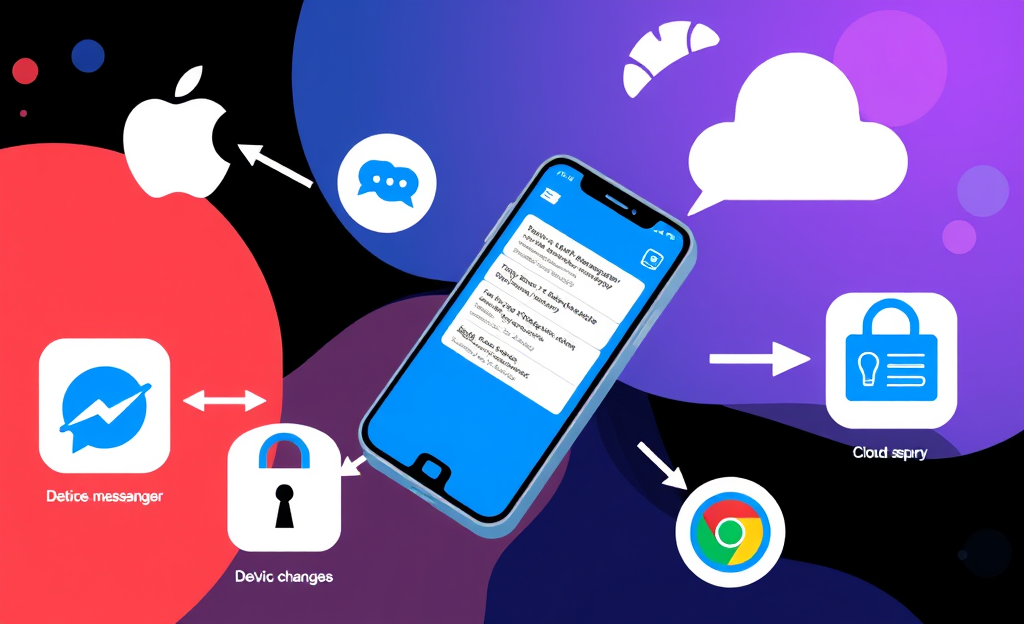
Secure App usage is becoming increasingly vital for safeguarding your messages in today’s digital world.
Discover hidden messages now!
Recover your message history today!
This article delves into various methods of restoring messages from Messenger, ensuring that your chat history remains intact and protected.
From utilizing your Apple or Google account to employing a PIN, one-time codes, or unique 40-character codes, we will cover the essential steps for each process.
Additionally, we’ll discuss how to enable secure storage for your messages, recover lost end-to-end encrypted chats, and navigate through archived chats in Messenger settings for a comprehensive message restoration experience.
Why Security Matters in Message Recovery
When recovering Messenger conversations, using a secure app isn’t just a suggestion—it’s a critical safeguard against data compromise.
Without proper protection, your chat history becomes vulnerable to malware attacks, especially if recovery processes rely on unsafe storage or third-party tools.
Cybercriminals often target weak recovery methods to inject malicious software that can silently monitor or extract sensitive content
Privacy is another vital aspect during message restoration.
Messenger’s encrypted chat feature protects only when used correctly.
Users with secure storage enabled can safely restore their encrypted history using tools like a Google or Apple account, a generated PIN, or even a 40-character key.
According to Messenger’s recent update, chats restored from encrypted storage are unreadable by others, even Facebook
Still, without these methods, messages may disappear permanently or be exposed to unauthorized account access.
That’s why secure storage and encrypted recovery tools are more than helpful—they are the foundation of effective and responsible message recovery practices
Key Vetting Factors
- Review the app developer’s website and documentation for transparent ownership and update history, ensuring no hidden affiliations.
- Check if the app uses end-to-end encryption and conforms to current security protocols—as seen in platforms validated by Kaspersky’s secure messaging standards.
- Evaluate data permissions; apps demanding irrelevant access (e.g., location, camera) violate basic permission hygiene.
- Explore marketplace reviews to spot patterns in user-reported vulnerabilities or reliability failures.
- Assess whether the app supports secure storage and recovery, such as backing up via Messenger’s encrypted message system.
Executing the Recovery Process
Connect securely: Begin the Messenger message recovery by opening the secure app you’ve chosen for backup restoration.
Ensure your internet connection is stable, then proceed to sign in using your Apple or Google account, PIN, or recovery code.
These credentials allow the app to identify your encrypted chat storage and make it ready for retrieval
Confirm identity: After logging in, the app will require an extra layer of security.
At this step, it’s crucial to authenticate with MFA to confirm ownership of the message archive.
Without this step, chat decryption isn’t possible, as Messenger’s end-to-end encryption prevents unauthorized access
Select backup: Once identity is verified, navigate to encrypted storage options.
The service will attempt to locate previous backups syncing your Messenger history.
Choose the most recent backup that matches your lost conversations to continue the recovery process
Review data: The app displays a snapshot of the messages stored in the selected backup, allowing you to visually confirm accuracy.
Relevant text from archived or deleted conversations may appear here, helping you validate that the correct backup is being used
Initiate download: Tap to begin syncing the backup to your current device.
The secure app decrypts your chats and restores them into Messenger seamlessly.
This step might take several seconds, depending on internet speed and file size
Verify messages: Finally, open Messenger and review the recovered conversations.
Check the timestamps and participant names for consistency.
If something appears missing, revisit the secure app and repeat the process with an older archive if necessary
Multi-Factor Authentication Safeguards
Multi-Factor Authentication (MFA) plays a critical role in secure Messenger recovery by requiring users to verify their identity through more than one method, significantly reducing the risk of unauthorized access.
This becomes especially important when restoring messages stored under end-to-end encryption, where options like PIN, a backup code, or biometric data work in tandem to ensure you are the rightful user.
By engaging multiple credentials, MFA renders stolen passwords alone useless for gaining access, which is crucial during restoration across devices or after suspicious activity.
- Authenticator app codes
- Biometric scans like fingerprint or facial recognition
- One-time SMS or email verification codes
Enabling MFA through Secure Storage within Messenger boosts resilience by binding your encrypted data to an extra security layer.
Tools like the Facebook Accounts Center security settings let you set up or reset this protection, ensuring that only you—through verified channels—can recover your message history.
Protecting Data with End-to-End Encryption
The demand for data privacy across digital platforms continues to increase as more users seek secure communication channels.
With messaging apps like Messenger adopting advanced safeguards, safeguarding personal conversations becomes a core focus, especially when transitioning between devices.
During such phases, end-to-end encryption ensures that no third party—including service providers—can intercept or access message content.
Restoration mechanisms reinforce this secure environment, offering options like Apple ID, Google Account, a one-time code, or a 40-character recovery key for identity validation.
Unlike standard backups, which may risk exposure at rest, encrypted channels tightly control access during message recovery, ensuring confidentiality remains intact.
Because the decryption keys remain solely with the user, even device transfers retain integrity of the chat history without revealing any sensitive metadata to external systems.
As explained by Meta’s official documentation on encryption, this architecture empowers the user while preserving trust in communication flows.
| Feature | Benefit |
|---|---|
| Encryption Status | Active during transit and storage |
| Key Ownership | Private keys remain on user devices only |
| Restore Validation | Multi-option authentication like PIN or recovery code |
Overcoming Common Obstacles
Check permissions by ensuring Messenger and its secure backup app have full access to storage and network on your device.
Without these permissions, message sync or restoration may fail during the recovery process.
Settings like battery optimization and data saver can also block background operations, so disable any feature that might interfere with synchronization.
Restore with the correct credentials by using your PIN, Google or Apple account, or a one-time code.
Message data tied to encrypted storage requires this secure login method.
If you’ve forgotten your PIN, follow the steps detailed in Messenger’s reset security guide to regain access without compromising stored messages.
Enable secure storage before app transfers.
Secure storage must be activated in the privacy settings under Messenger’s encrypted chat settings to ensure your chat histories are backed up properly.
If not enabled prior to a reinstall, encrypted content may appear missing or be unrecoverable due to lack of authorization.
Validate your internet connection if you experience slow downloads or message gaps.
Relevant text like low bandwidth or unstable Wi-Fi can cause partial message recoveries or timeouts during sync.
Restart your router and reconnect to a stable network to reattempt the download process.
If the option to recover chats doesn’t appear, check for Messenger updates or reinstall the app to trigger the recovery feature.
Secure App solutions provide you with various options to ensure the safety and recovery of your Messenger messages.
By following the outlined methods, you can confidently manage your chat history and regain access to important conversations, even if they seem lost.



0 Comments