Easy Tips To Find And Track Your Lost Cell Phone
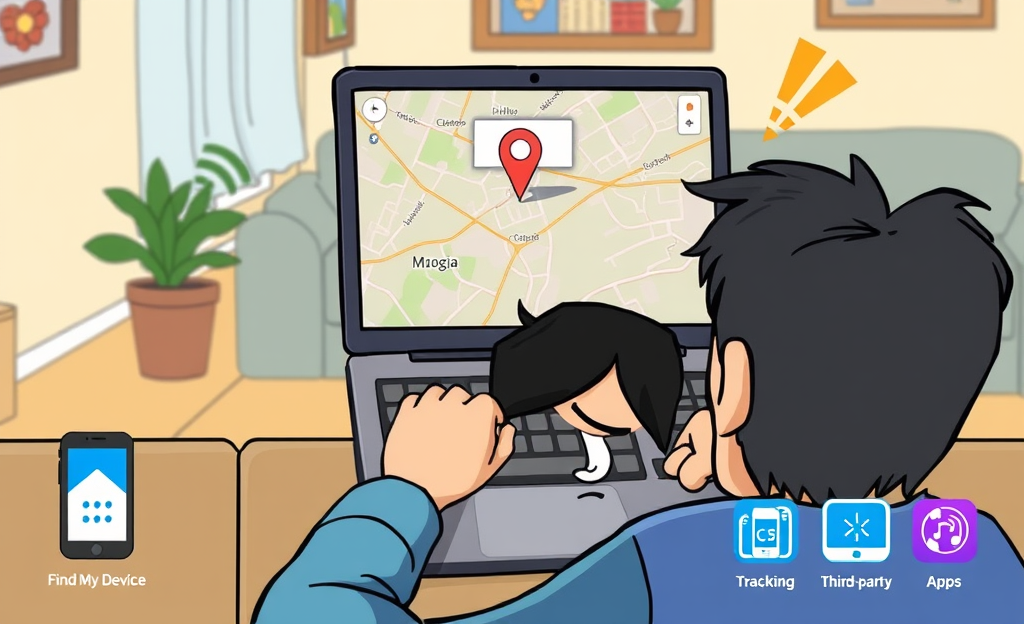
Lost Cell phones can be a significant source of frustration, leaving many people anxious and unsure of what to do next.
Fortunately, there are efficient ways to find and track your missing Android device.
This article will guide you through the steps to utilize the built-in ‘Find My Device’ feature, ensuring your phone is connected to your Google account and outlining how to locate, lock, or ring your phone on a map.
Additionally, we’ll explore other options, including calling your lost phone number and using third-party apps, to enhance your tracking efforts.
Why Acting Fast Matters
Losing a phone today involves more than the frustration of misplacing a device—it’s an immediate threat to your digital security and personal privacy.
In 2024, where smartphones serve as the hub for banking, work communication, and social life, acting quickly after loss or theft is not just smart—it’s essential.
The first moments after a phone goes missing are critical, because the longer you wait, the greater the risk of data breaches, identity theft, or the exposure of private information.
That’s why device tracking has become so important.
Thanks to modern location services, users can often pinpoint a phone’s last known spot within minutes.
Most people turn to options like built-in trackers from Apple and Google, carrier assistance programs, and third-party apps from platforms such as Prey Project.
Each of these supports immediate action, letting users sound alarms, lock screens remotely, or erase sensitive content before it falls into the wrong hands.
Fast response not only improves the chance of recovery but also provides peace of mind.
Protecting sensitive data and ensuring continued access to digital life should drive users to take advantage of these tools as soon as loss is suspected.
In this fast-paced world, time equals safety, and losing a phone should always trigger urgent steps toward recovery.
Find My iPhone (iOS)
To locate and secure your lost iOS device, activate Find My iPhone in your iPhone’s settings under Apple ID, then navigate to iCloud and enable Find My.
Once activated, access Apple’s Find My iPhone platform from any browser and sign in using your Apple ID.
You’ll see a map displaying your device’s current or last known location.
Tap the device, and choose from critical features: use Play Sound to help locate the phone nearby, enable Lost Mode to lock it remotely and display a message with contact information, or execute a full Erase iPhone to delete all personal data if recovery isn’t possible.
However, if erased, you’ll no longer track the device, though Activation Lock ensures your data remains protected from unauthorized access.
Find My Device (Android)
To protect and recover your Android device, users must first sign in with their Google Account on the phone.
Then, open Settings, tap Security & privacy, and access Find My Device.
Here, make sure the feature is enabled to ensure Google can locate the phone.
This setup is essential for remote access.
In case the device is lost, visit the Google Find My Device service portal and sign in using the same Google Account.
From this dashboard, you can make the device ring loudly even when silent, lock the screen remotely and display contact info, or erase all data entirely to protect personal content.
These remote controls are only available when Find My Device and location access are turned on before the device goes missing.
Staying signed in and with Wi-Fi or mobile data active helps maximize success.
Carrier and Third-Party Tracking Solutions
Carrier and third-party tracking services provide powerful solutions to recover lost or stolen phones through a blend of network-level and software-based location tools.
Carrier-based phone locator services like AT&T Secure Family and Verizon Smart Family rely on direct cellular network access to identify a phone’s approximate location, even if GPS is disabled.
These options offer secure and private tools tightly integrated with your mobile plan, though their features often come with monthly subscription costs.
In contrast, third-party apps like Life360 and FamiSafe deliver more dynamic, app-based location sharing with real-time notifications, geofencing, and even driver safety reports.
According to MSAFELY’s top phone tracker list for 2025, many of these apps excel in parental control and detailed tracking management.
Importantly, users must ensure location permissions are granted and devices remain online for optimal performance.
Third-party tracking apps may gather user data depending on privacy policies, so choosing reputable, transparent services is essential for security.
The decision between carrier and app solutions depends on your need for accuracy, features, and level of trust in handling private location data.
| Service | Main Benefit |
|---|---|
| AT&T Secure Family | Network-level location tracking |
| Verizon Smart Family | Integrated parental controls |
| Life360 | Real-time sharing and geofencing |
| FamiSafe | Location history and activity reports |
Immediate Protective Measures
Losing your phone can be deeply unsettling, but acting fast can make all the difference in protecting your information.
Taking immediate steps ensures that sensitive data stays secure before any harm is done.
- Lock the phone remotely using tools like Google’s Find My Device or Apple’s Stolen Device Protection feature. These services let you shut access to your phone and display a recovery message on screen
- Change your passwords on services like Gmail, banking apps and social platforms to immediately cut any unauthorized access attempts
- Turn on SIM card lock remotely by accessing account settings or contacting your carrier to block data and call functionalities using SIM lock instructions
- Notify your mobile carrier to report the loss, request to suspend the number and prevent any fraudulent charges
- Enable data wipe if recovery fails. Services like Find My Device allow full remote erasure of personal data, eliminating risks of data theft
Remaining calm and responding swiftly will help prevent long-term consequences and improve the chances of successful recovery.
In conclusion, losing your cell phone can be distressing, but with the right tools and steps, you can effectively track it down.
By utilizing ‘Find My Device’ and other methods, you increase your chances of recovering your lost phone quickly and efficiently.



0 Comments